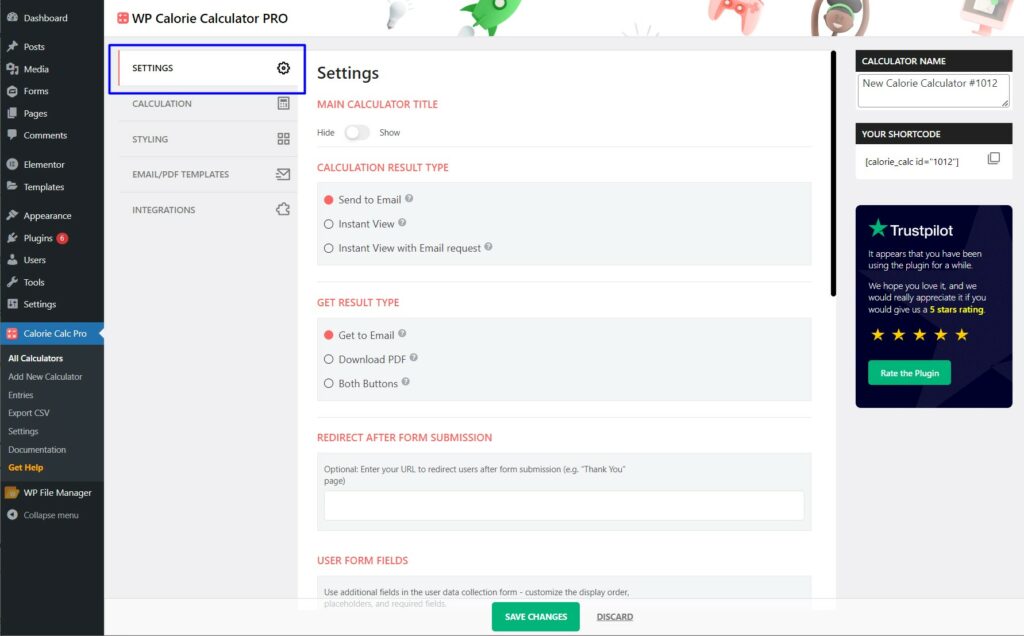
Step 1: Access the Settings Tab
1. Open the Settings tab in your Calorie Calc Pro plugin.
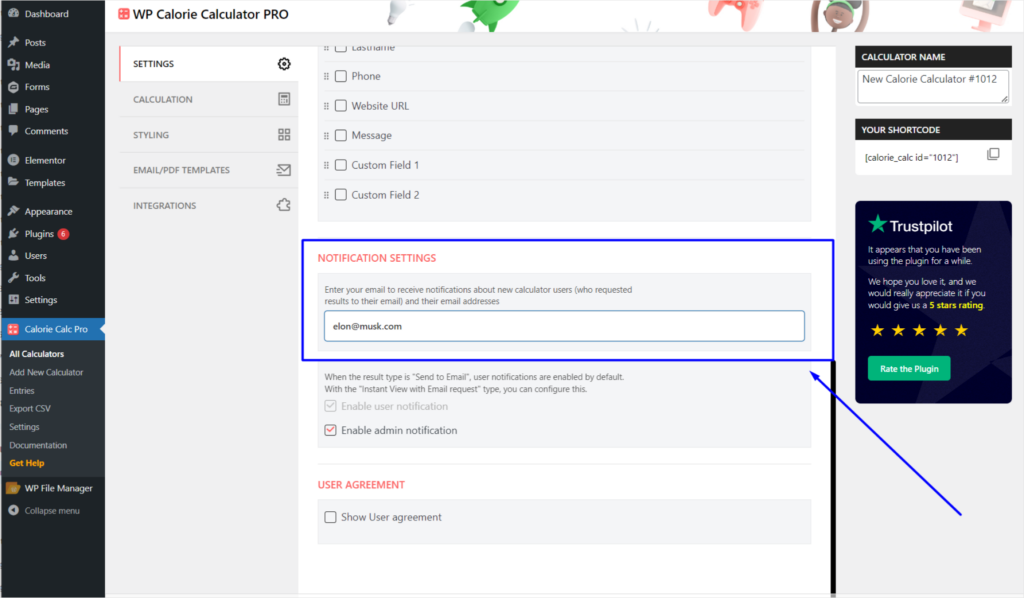
Step 2: Enter Your Email for Notifications
1. Scroll down to the Notification Settings section.
2. Enter your email address in the provided field.
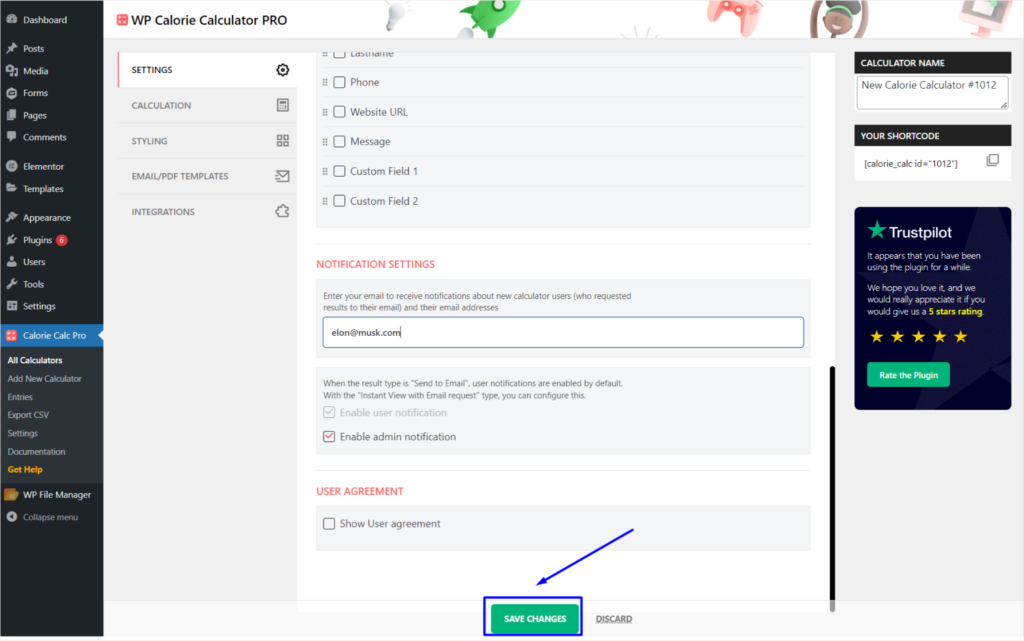
Step 3: Save Your Changes
1. Scroll to the bottom of the settings page.
2. Click the Save Changes button.