
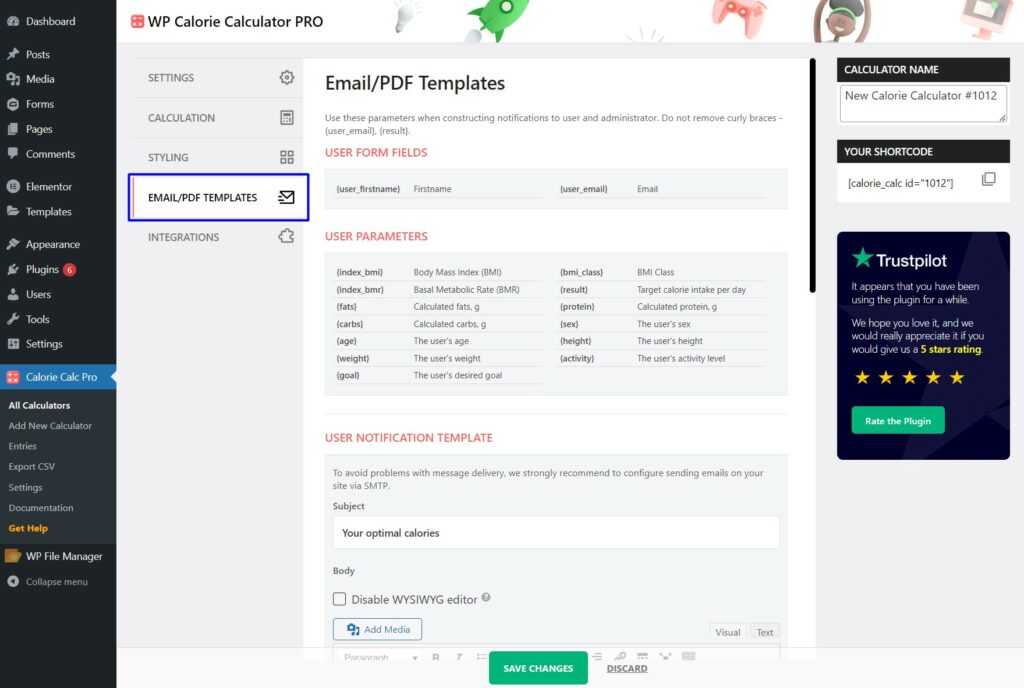
Step 1: Access the Email Template Settings
Navigate to the Email/PDF Templates tab in your Calorie Calc Pro settings.
Step 2: Edit the User Notification Template
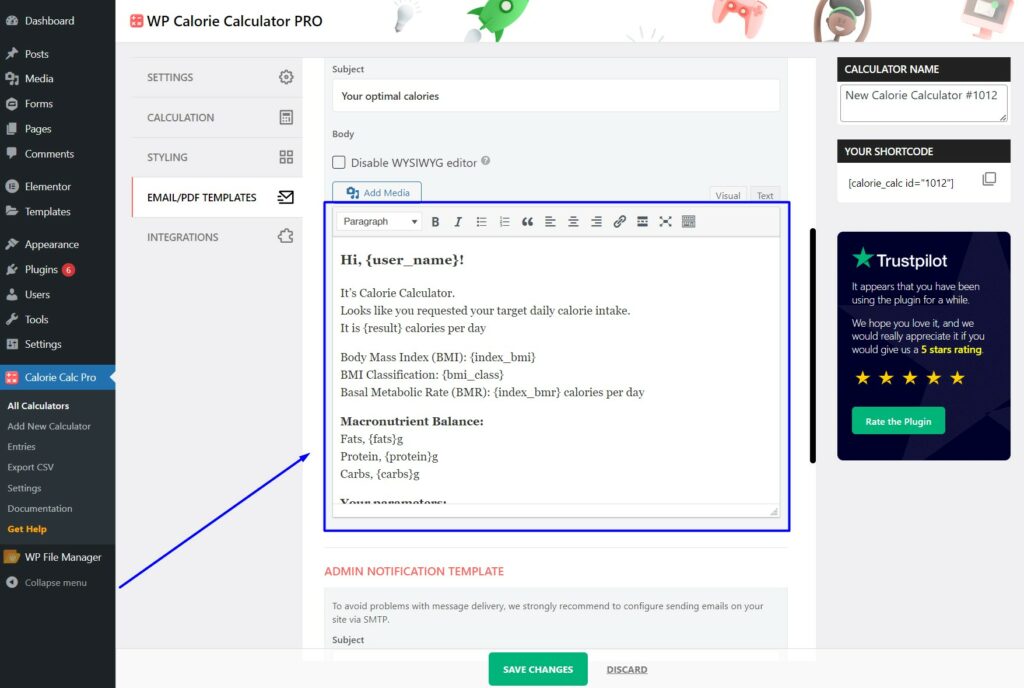
1. Scroll down to the User Notification Template section.
2. Edit the text in the provided field to customize the email content as desired.
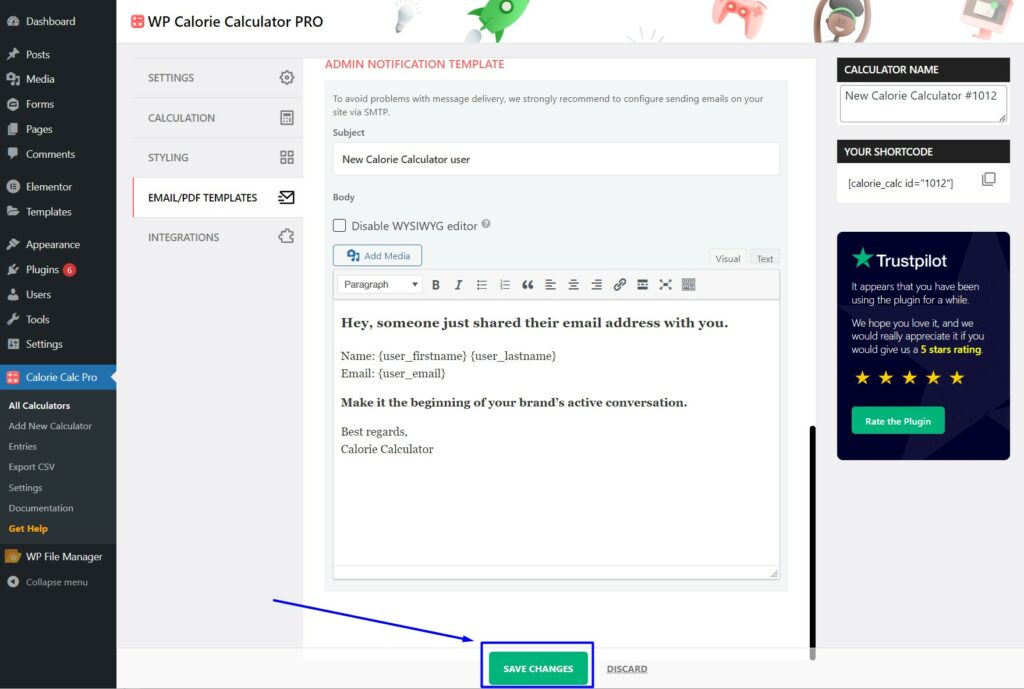
Step 3: Save Your Changes
Click the Save Changes button to apply your updates.
By following these steps, you can easily customize the content of the results email sent to users.
