
Step 1: Access the Styling Tab
Open the Styling tab in your Calorie Calc Pro settings.
Step 2: Select the Extended Style
Step 3: Configure Additional Layout Settings
1. Scroll down to the Layout Settings section.
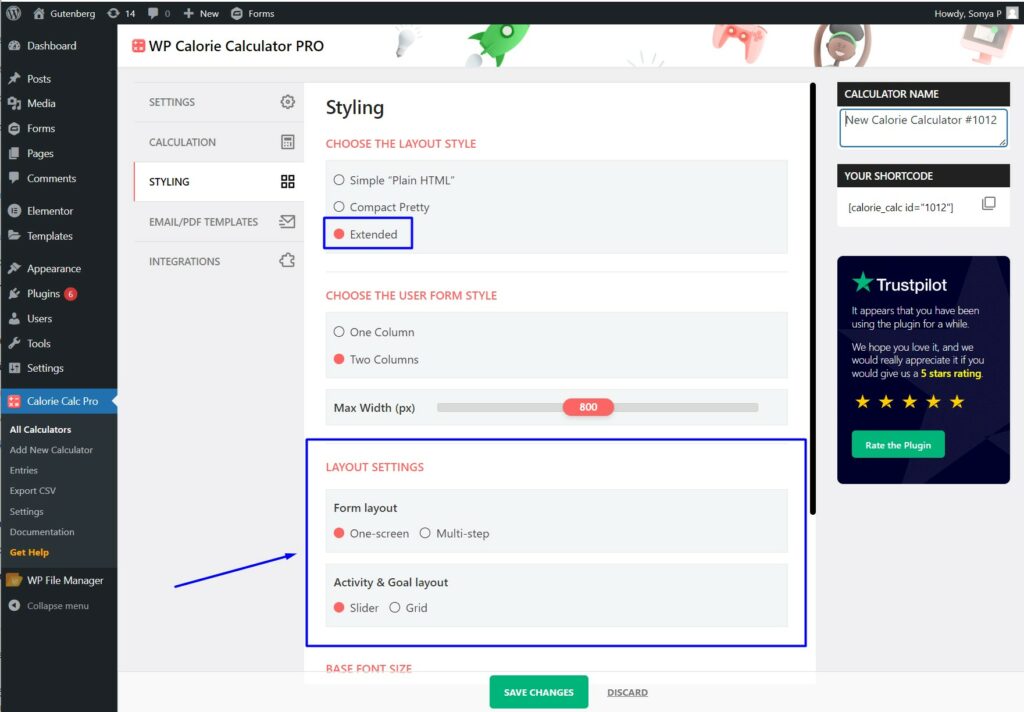
2. Select one of the layout formulas:
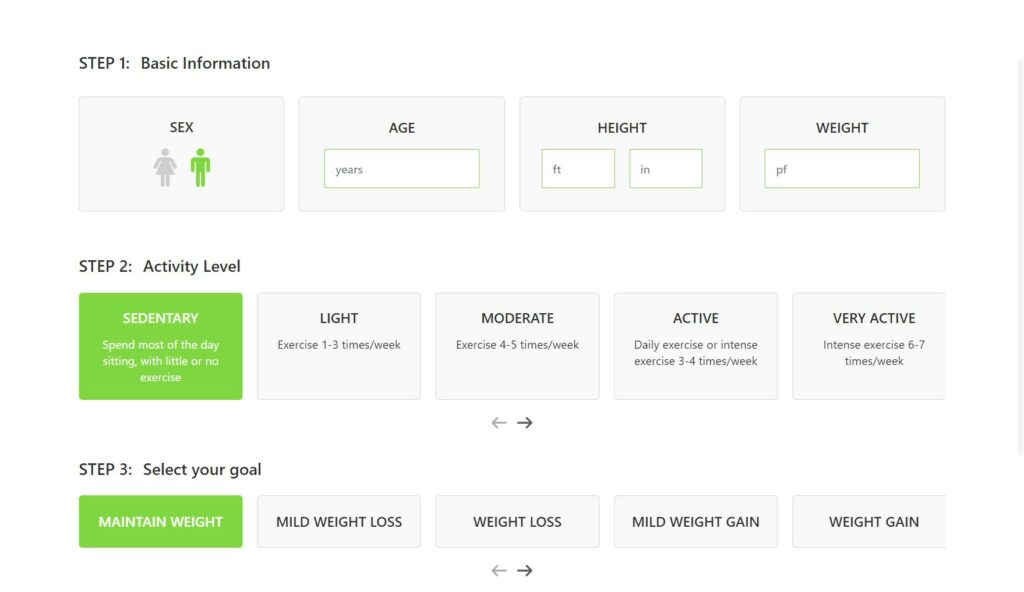
OneScreen: Displays the calculator on a single screen.
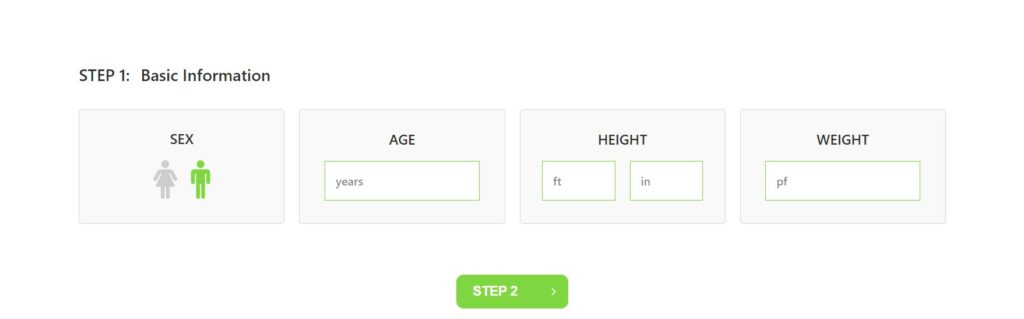
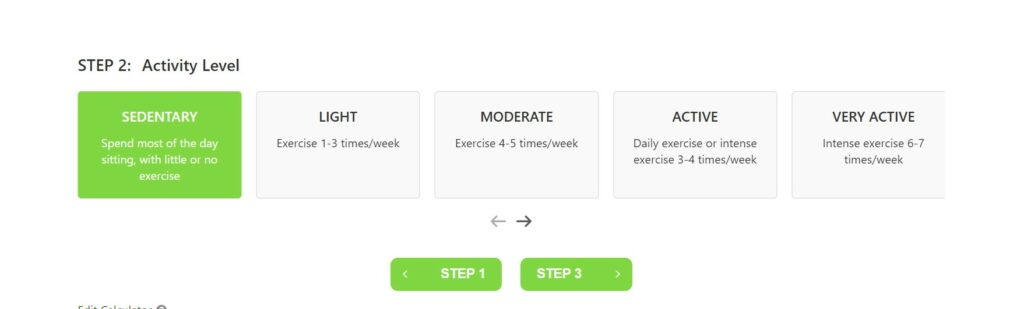
MultiStep: Enables a multi-step calculator.
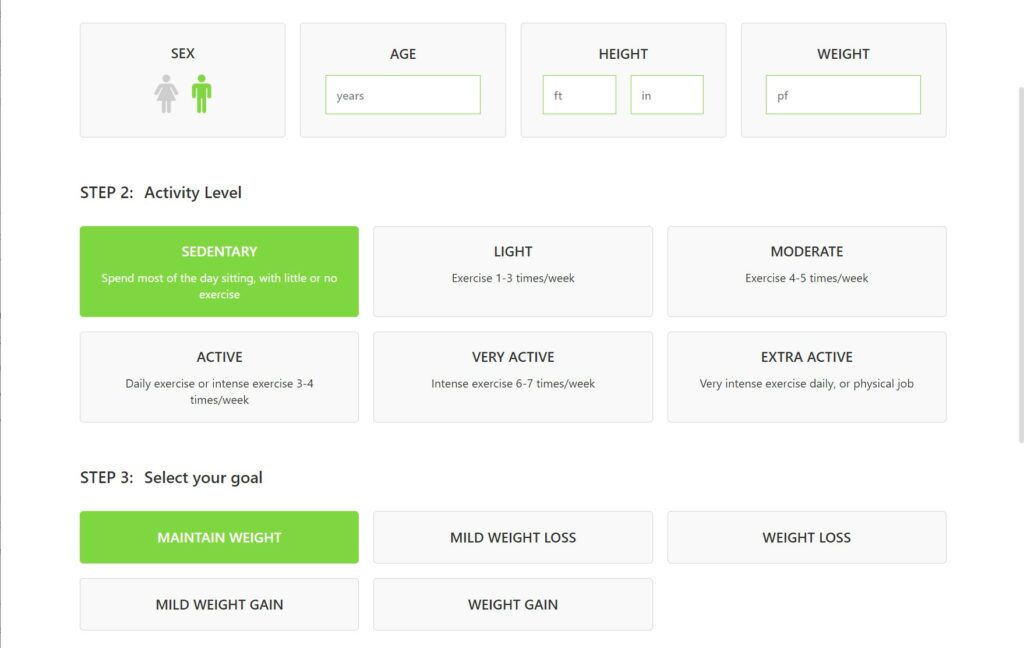
Step 4: Choose the display type for activity and goals:
Slider: Displays options in a slider format.
Grid: Displays options in a grid format.
Step 5: Save Your Changes
Click the Save Changes button to apply your new settings.
By following these steps, you can customize the extended style of your Calorie Calculator with additional layout and display options.
