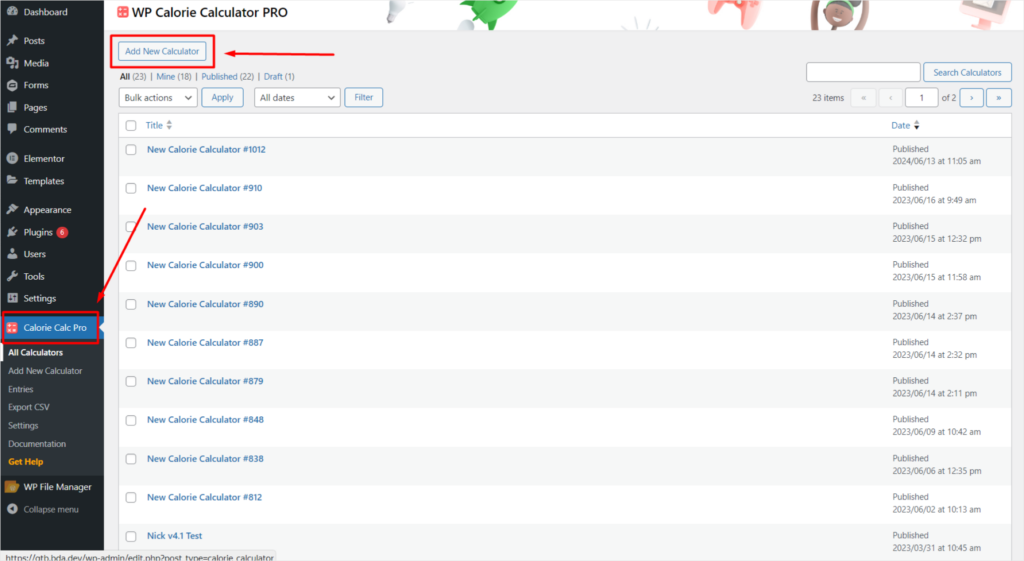
Step 1: Access the Calorie Calc Pro Plugin
1. Open the Calorie Calc Pro plugin tab in your dashboard.
2. Select an existing calculator or create a new one by clicking the Add New Calculator button.
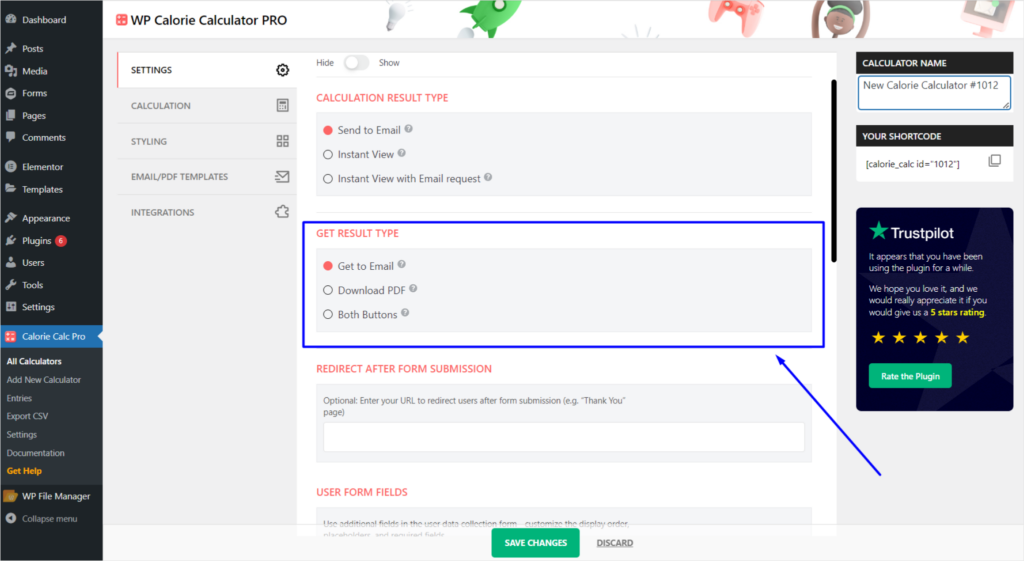
Step 2: Select Result Type
1. Navigate to the Settings tab.
2. Find the Get Result Type option.
3. Choose one of the button types for displaying the results.
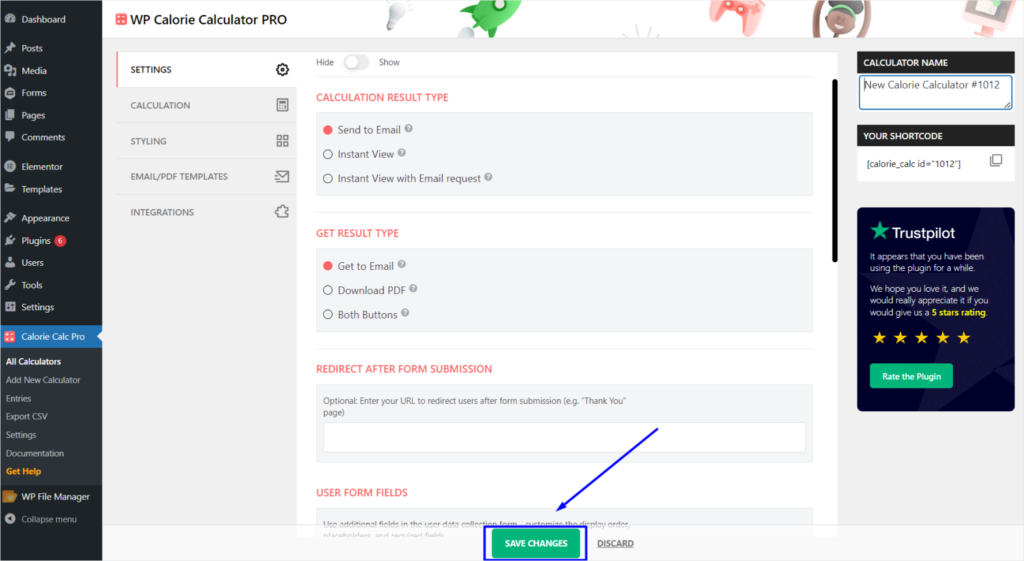
Step 3: Save Your Changes
1. Click the Save Changes button to apply your settings.