
Limited offer — 20% off your first year See plans

How to set up SMTP plugin for WP Calorie Calculator and WordPress and how to connect it with Google Workspace or another service

January 16, 2023

SMTP, or Simple Mail Transfer Protocol, is the standard protocol for sending email messages over the internet. When it comes to sending emails from a WordPress site, the default method is the PHP mail function. However, this method is not always reliable and can lead to issues with email deliverability. This is where an SMTP plugin comes in handy. SMTP plugins, like "WP Mail SMTP by WPForms", can help improve email deliverability by using a more reliable and secure method of sending emails. Additionally, using an SMTP plugin allows you to use your own email service provider, such as Google Workspace, rather than relying on the web host's email server.
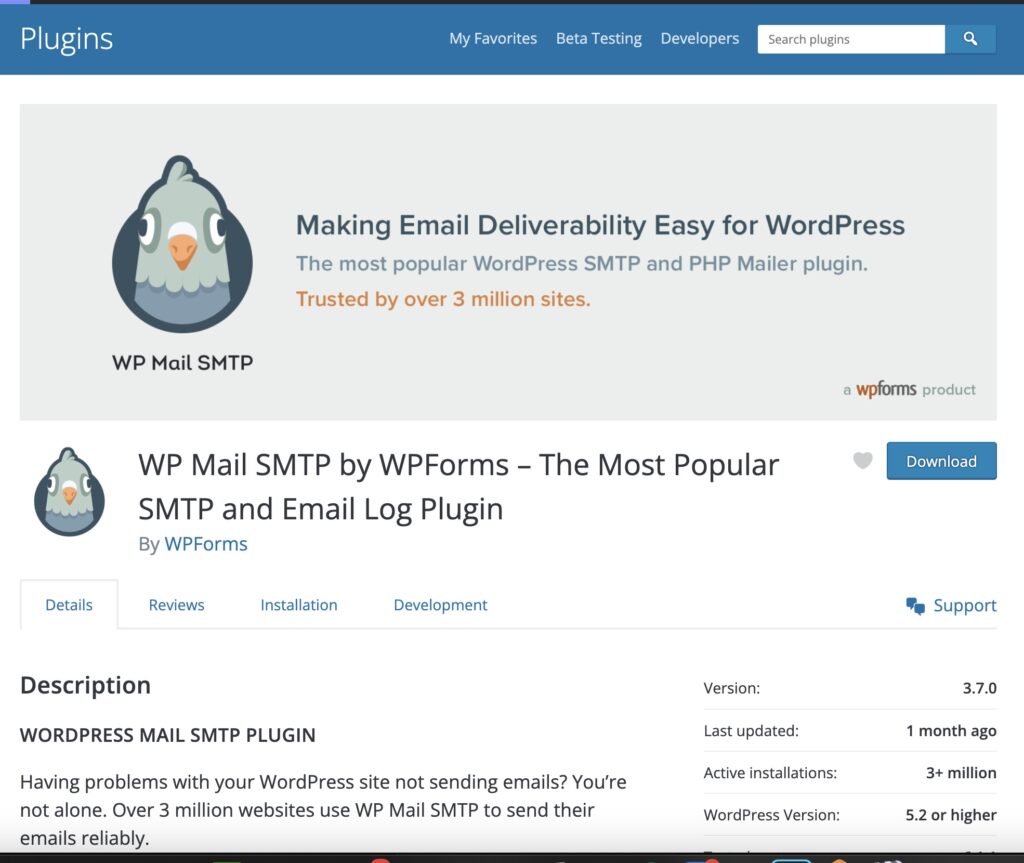
Once you've installed the plugin (we'll use WP Mail SMTP in this example), you can proceed to configure the plugin settings which can be found by navigating to WP Mail SMTP in your WordPress dashboard, then selecting "Settings" and looking under the "General" tab.

Fill in the following fields:

  • From Email: this is the email address that emails will be sent from
  • From Name: the name that will be displayed as the sender
  • Mailer: select SMTP (in this example we'll use Google Workspace, you need to have a paid account with them to proceed, but there are no completely free SMTP solutions so Google sounds as a good choice for this)
  • Save settings

Then you need to create a Google Workspace API app to use their mailing system for SMTP:

  1. Go to the Google API Console
  2. Sign in with your Gmail account
  3. Create a new project by clicking on the "Select a project" dropdown and then "New Project" button
  4. Give your project a name and click on the "Create" button
  5. Once the project is created, click on the "Enable APIs and Services" button
  6. Search for "Gmail API" and click on the result
  7. Click on the "Enable" button
  8. Click on the "Create Credentials" button
  9. Select "OAuth client ID" as the type of credentials
  10. Select "Web application" as the application type
  11. Give the credentials a name, and enter the authorized JavaScript origin and authorized redirect URI.
  12. Click on the "Create" button
  13. A client ID and client secret will be generated. Make a note of these
  14. Go to plugin settings on WordPress and enter the client ID and client secret

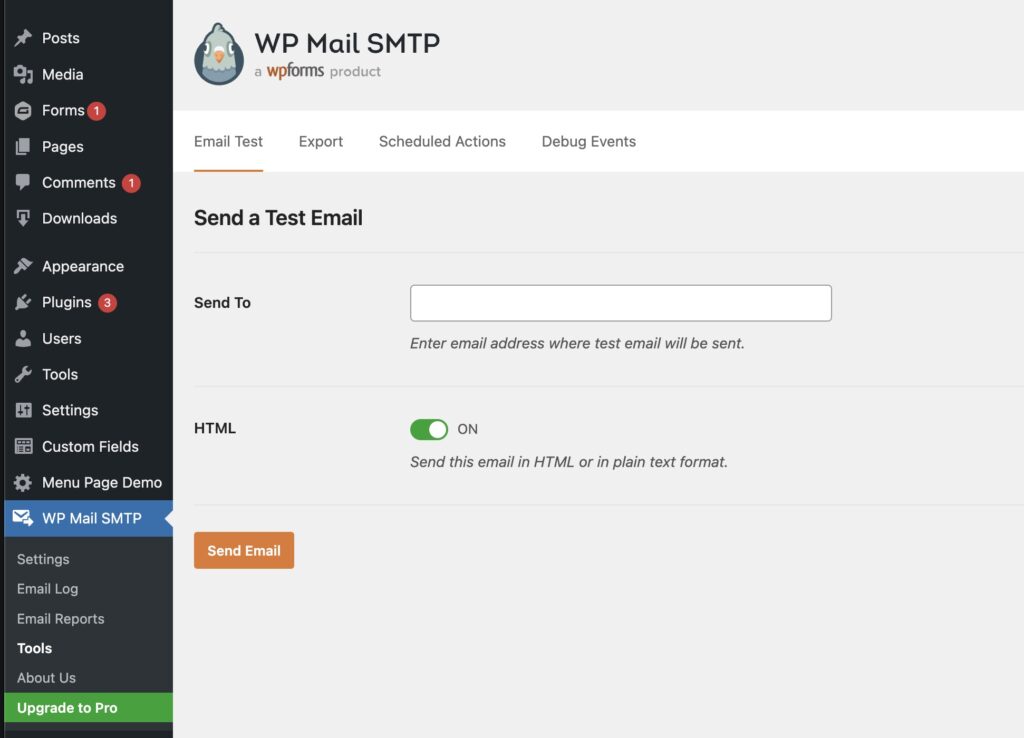
After saving your settings you can go to the "Email Test" tab and try to send an email to your personal address to make sure that you set up everything correctly.
If you have any issues with any of these steps, please follow the more detailed article from plugin developers that can be found HERE.

Read more

Building Backlinks to Interactive Tools

Building Backlinks to Interactive Tools

Earning backlinks to interactive tools is one of the most effective, sustainable SEO strategies because calculators, quizzes, and maps function as evergreen “link magnets” that publishers naturally reference, educators embed…
Optimizing Featured Snippets for Tools

Optimizing Featured Snippets for Tools

Optimizing for Google's featured snippets requires a strategic approach that emphasizes clear question-and-answer formatting, concise responses between 40 to 60 words, and proper HTML structure using heading and paragraph tags…
Improving E-E-A-T for Health Sites

Improving E-E-A-T for Health Sites

Building strong E-E-A-T for health websites is the most critical factor in achieving sustainable visibility and patient trust in today's search landscape, where Google prioritizes Experience, Expertise, Authoritativeness, and Trustworthiness…
Adding Multiple Language Support

Adding Multiple Language Support

In today's global digital landscape, creating a multilingual calculator on WordPress is essential for expanding your reach, enhancing user engagement, and breaking down language barriers that often limit your audience.…
Calorie Calculator for Gym Websites

Calorie Calculator for Gym Websites

Adding a gym website calorie calculator to your fitness center's online platform is one of the most effective ways to boost user engagement, improve lead generation, and establish your gym…
How to Create a Free Tool That Converts

How to Create a Free Tool That Converts

Mastering the Blueprint: Building a High-Converting Free Tool for Lead Generation In the modern digital landscape, creating a free tool lead generation asset is one of the most effective strategies…
Long-Tail Fitness Keywords Strategy

Long-Tail Fitness Keywords Strategy

Mastering a long tail fitness keywords strategy is the most effective way for fitness businesses to rank quickly, attract highly motivated visitors, and convert them into paying clients by targeting…
Programmatic SEO with Calculators

Programmatic SEO with Calculators

Unlock Massive Traffic Growth with Interactive Calculator Tools In the rapidly evolving landscape of digital marketing, standing still means losing ground. One of the most powerful strategies to dominate organic…
Health Blog SEO Checklist

Health Blog SEO Checklist

Mastering the health blog SEO checklist is the essential foundation for building a visible, trusted, and patient-focused online presence in the competitive healthcare industry. This complete guide provides a comprehensive,…
Top Keywords in Fitness Niche 2026

Top Keywords in Fitness Niche 2026

As we look toward 2026 in the fitness industry, the most critical keywords for fitness SEO success are a blend of high-volume terms like "fitness," "gym," and "workout," alongside intent-driven…
Using AI to Generate Fitness Content

Using AI to Generate Fitness Content

AI can help fitness brands publish more content, faster, and with better consistency, but the best results come from combining automation with real expertise, brand voice, and editorial review. If…
Blog vs Tool: What Ranks Better?

Blog vs Tool: What Ranks Better?

When comparing blog vs tool SEO, the winner is usually the one that matches search intent more precisely. A well-optimized tool page often ranks faster for transactional queries, while a…
Building Backlinks to Interactive Tools

Building Backlinks to Interactive Tools

Earning backlinks to interactive tools is one of the most effective, sustainable SEO strategies because calculators, quizzes, and maps function as evergreen “link magnets” that publishers naturally reference, educators embed…
Optimizing Featured Snippets for Tools

Optimizing Featured Snippets for Tools

Optimizing for Google's featured snippets requires a strategic approach that emphasizes clear question-and-answer formatting, concise responses between 40 to 60 words, and proper HTML structure using heading and paragraph tags…
Improving E-E-A-T for Health Sites

Improving E-E-A-T for Health Sites

Building strong E-E-A-T for health websites is the most critical factor in achieving sustainable visibility and patient trust in today's search landscape, where Google prioritizes Experience, Expertise, Authoritativeness, and Trustworthiness…
+
gif-zoom-image







